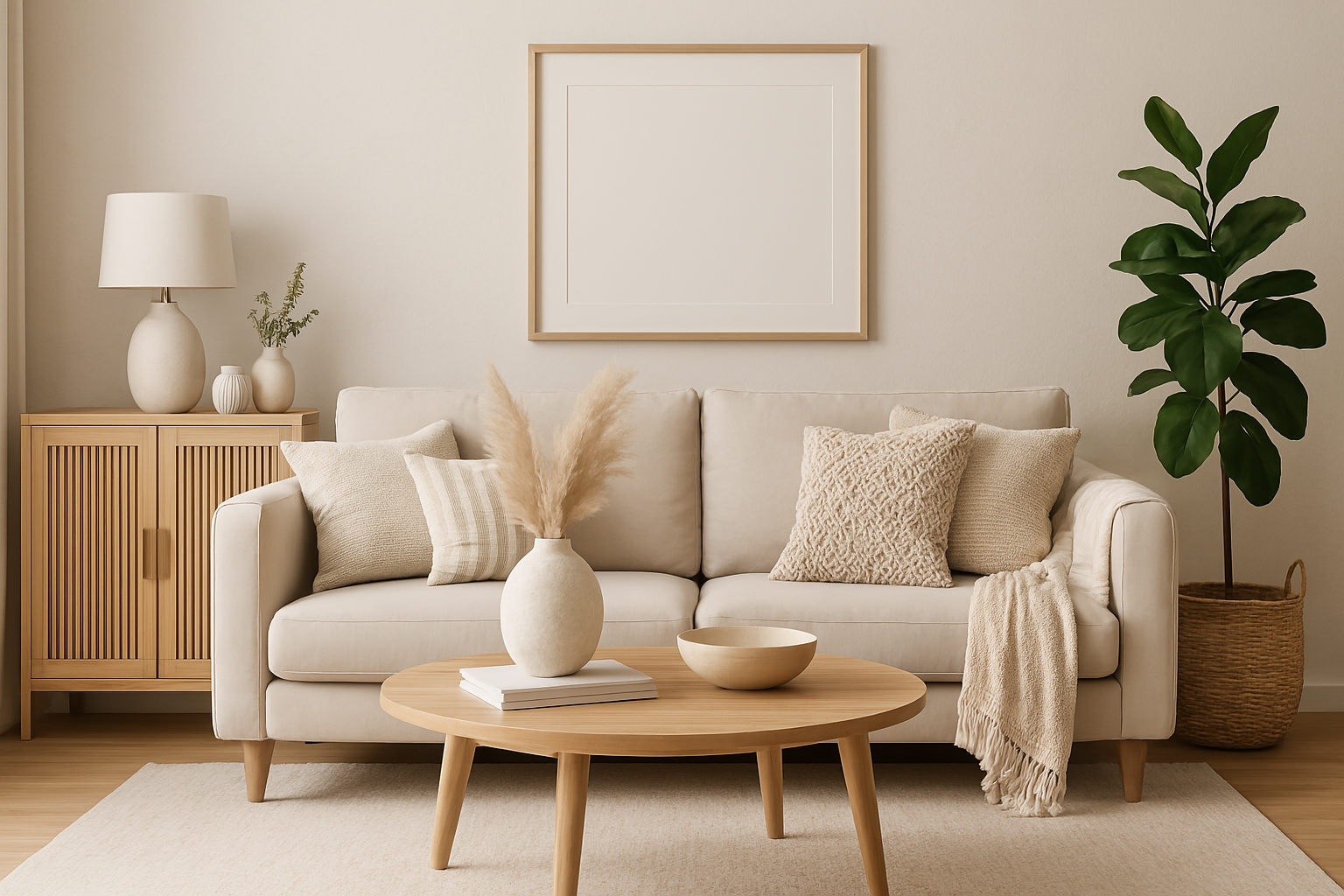
Home Office Decor Ideas for 2026: How to Design a Space That Actually Makes You More Productive
Home Office Decor Ideas for 2026
How to design a workspace that looks great on video calls, reduces stress, and actually makes you more productive.
WFH SetupSmall Space SolutionsBudget to SplurgeVideo Call ReadyYour home office is doing two jobs: it needs to help you focus during the day, and it needs to not make you miserable to look at. Most home offices fail at both. They’re either sterile and corporate, or so cluttered and distracting that work takes twice as long.
The good news: a well-designed home office doesn’t cost a lot. It requires some deliberate choices. Here’s the framework that professional interior designers use — and the specific upgrades that make the biggest difference.
The 5 Fundamentals of a Productive Home Office
Light Before Anything Else
Natural light from the side (not behind your monitor) eliminates eye strain. If you have a window, orient your desk perpendicular to it. Add a bias light behind your monitor for night sessions.
Desk Height Is Non-Negotiable
Your elbows should be at 90° when typing. Most desks are too high for most people. A monitor arm raises your screen to eye level, eliminating neck strain that kills afternoon productivity.
Visual Calm Behind You
What appears on your video calls matters professionally. A clean wall, a simple gallery arrangement, or a bookshelf styled at 60% capacity projects competence and intentionality.
One Statement Object
Don’t decorate everywhere. Choose one visual anchor — a large plant, a piece of art, or a distinctive lamp — and keep everything else minimal. One strong element beats ten small ones.
Cables Are Decor Too
A beautiful desk setup with visible cable chaos communicates disorganization. Cable clips, a desk cable tray, and a power strip with individual switches costs under $30 and transforms the look.
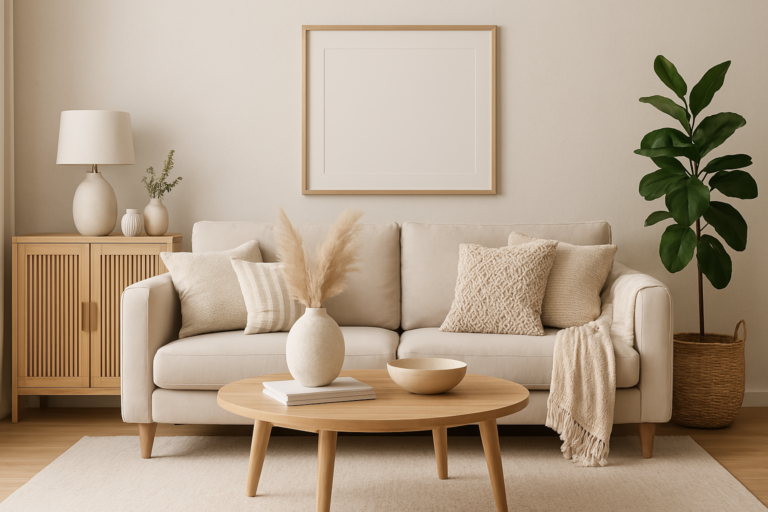
Your background should have visual depth but not visual noise. Ideal: a wall with one framed piece + a plant in the foreground. Avoid: blank white walls (looks amateur), busy bookshelves (distraction), or anything with text/branding visible in the background.
Zone Your Office by Activity
Focus Zone
- Clean desk surface
- Monitor at eye level
- Only current task items
- Task lighting pointed at work
Call Zone
- Camera at eye level
- Styled background visible
- Soft fill light from front
- No clutter in frame
Reference Zone
- Filing within arm’s reach
- Labeled clearly
- Vertical file holders, not piles
- Keep off the desk surface
Decompression Zone
- A chair or seat that isn’t your desk
- Different from work posture
- Plant or art visible from here
- Marks the end of the workday
Upgrade Priority Order
| Priority | Upgrade | Budget | Impact |
|---|---|---|---|
| 1st | Monitor arm to raise screen to eye level | $25–$50 | Eliminates neck pain — felt same day |
| 2nd | Desk lamp (warm white, dimmable) | $30–$60 | Reduces eye strain, improves video call look |
| 3rd | Cable management system | $15–$30 | Immediate visual calm, professional look |
| 4th | One large plant (snake plant or ZZ) | $20–$40 | Stress reduction, background credibility |
| 5th | Desk pad / large mouse pad | $20–$35 | Unifies the desk surface visually |
| 6th | One piece of framed wall art | $25–$80 | Personalizes the space, improves call background |
| 7th | Ergonomic chair or seat cushion | $50–$400 | Long-term health, afternoon energy levels |
Top Products to Shop Now
Clips to monitor top, illuminates desk with no screen glare, and adds a backglow that reduces eye strain in dark rooms. The single biggest ergonomic upgrade for desk workers.
Pros
- Zero monitor glare by design
- Auto-dimming sensor
- Backlight reduces eye fatigue
- USB-C powered, no outlet needed
Cons
- Premium price vs. basic desk lamps
- Only works with traditional monitors
Raises monitors to proper eye level while creating under-riser storage for keyboard, drives, and cables. The hidden storage is what sells it — desk surface clears up immediately.
Pros
- Creates usable under-riser storage
- Solid steel construction
- Works for single or dual monitors
- No assembly tools required
Cons
- Fixed height (not adjustable)
- Cable routing could be cleaner
A large desk pad unifies every surface element — monitor, keyboard, lamp, plant — into one cohesive visual field. This dark brown PU leather version looks expensive and works as an extended mouse pad.
Pros
- Unifies desk surface visually
- Doubles as mouse and keyboard mat
- Waterproof PU leather
- Non-slip backing
Cons
- Edges can curl on delivery (flatten overnight under books)
- Shows dust on dark surface
FAQ
Soft sage green, warm white, or light gray are the top three. Avoid pure white (feels clinical and cold) and dark colors unless you have excellent natural light. Sage green specifically has been shown in studies to reduce stress while maintaining alertness — ideal for work.
Mount everything you can to the wall — shelves, monitor arm, lamp. Use a floating desk to preserve floor space. A mirror opposite the window doubles perceived light and makes the room feel larger. Stick to one accent color and keep the rest neutral.
One framed piece of art, a bookshelf styled at 60% capacity, or a large plant in a simple pot. The goal is visual interest without visual noise. Avoid: blank walls, anything with text, laundry, open doors to other rooms, or anything that competes with your face for attention.
Yes — multiple workplace studies show that even one plant in the field of view reduces stress hormones and improves focus. The effect is strongest with living plants but visible from 6+ feet away. A snake plant or ZZ in the corner of your camera frame works well.